
Guide · Music Informatics
What MIDI is: instructions, not audio
What MIDI is and, more importantly, what it is not. How a MIDI message describes a note without containing audio, what travels through the cable, and why that makes it so flexible.
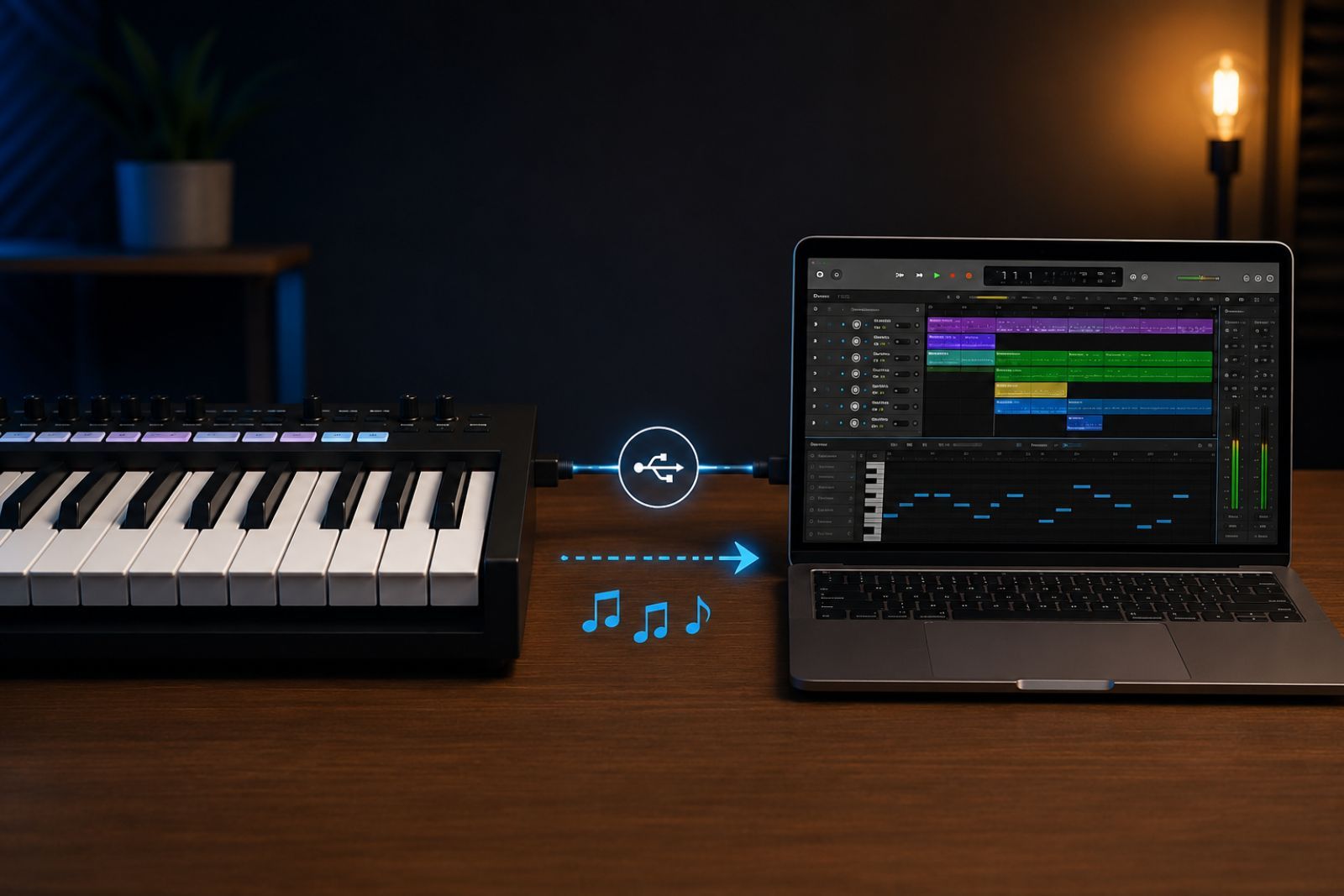
The first time someone tinkers with music and computers, they run into the same misconception: they think a MIDI file “contains” the song, the way an MP3 does. It does not. MIDI stores no sound. It stores instructions for producing sound. Understanding that difference clears up a lot of confusion, so I start there.
What MIDI stands for
MIDI stands for Musical Instrument Digital Interface. It is a standard from 1983 — still very much alive — that defines how electronic instruments, controllers, and computers communicate with each other. Before MIDI, connecting a keyboard from one manufacturer to a sound module from another was hit or miss. MIDI gave them a common language.
The key point: that language does not speak of sound waves. It speaks of musical events.
The core idea: instruction, not sound
When you press a key on a MIDI controller, no sound travels through the cable. What travels is a message that says, in essence, “start playing this note.” When you release the key, another message follows: “stop playing this note.” The sound is generated afterwards by whatever device receives those messages — a synthesiser, a module, a software instrument in the computer.
It is the difference between a score and a recording. The score tells you what to play; it does not make sound on its own. In the digital world, MIDI is much closer to the score than to the record.
What a message carries
A classic MIDI note message packs three simple pieces of data:
| Field | Range | What it represents |
|---|---|---|
| Note | 0–127 | Pitch (60 = middle C, 69 = A 440 Hz) |
| Velocity | 0–127 | How hard the key was struck |
| Channel | 1–16 | Message destination (instrument or track) |
There are many other message types — program changes to select a sound, controllers for modulation or the sustain pedal, tempo information — but the “note on / note off” pair is the heart of the protocol.
Why this matters
Because MIDI describes instructions rather than audio, the performance is decoupled from the final sound. You can record a melody once and then change its instrument, transpose it to a different key, fix a note, or adjust the tempo without playing anything again. You are editing the instructions, not a closed recording.
That flexibility is why MIDI remains the backbone of any digital studio, and the most practical entry point into music computing: the symbolic layer, where music is manipulable data before it becomes sound. The next step — when the work moves down from the symbol to the signal — is where the Fourier transform comes in.
What it is not
To close the misconception from the start: a MIDI file will not sound the same on two computers if each uses different instruments to play it back, because it contains only the instructions, not the timbre. That is not a flaw. It is precisely what makes it useful.