
Essay · Essays
What a Jupyter notebook is (and why it's a great way to start programming)
A Jupyter notebook blends explanation and runnable code in a single document. What it is, how it works, and why I think it's one of the best ways into programming, especially for teaching.
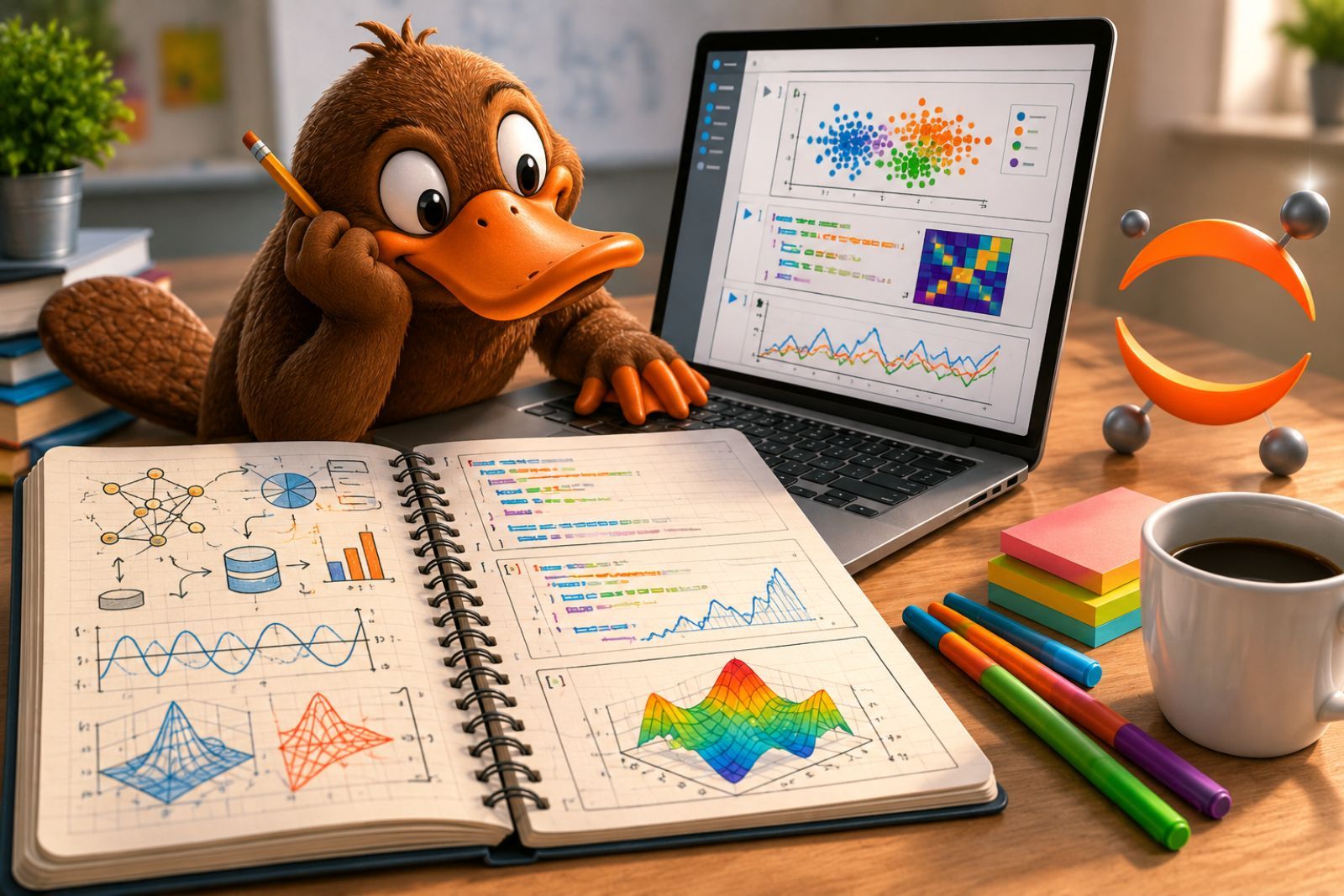
I use a tool almost every day that, the first time I show it to someone, tends to prompt the same reaction: “wait, you could do it like this?” Jupyter notebooks. They are not a programming language or a complicated piece of software: they are a way to write code and explain it in the same document. And I think they are one of the best entry points to programming that exist today.
What a Jupyter notebook is
A Jupyter notebook is a document that brings together two things that normally live apart: the text that explains and the code that runs. In a single file you can write a formatted paragraph —headings, lists, formulas, links— and, right below it, a block of Python code that runs and shows its result in place: a number, a table, a chart.
The name comes from the three languages it was born with —Julia, Python, and R— though in practice the vast majority of notebooks are Python. It is a free and open-source project, the heir to IPython, and it opens in the browser: you do not need to install a complicated environment to start trying things out.
What matters is not the technology underneath but the format. A notebook reads top to bottom like an article —except it is an article you can also run.
How it works
A notebook is organised into cells, and each cell is one of two kinds:
- Text cells (in Markdown): where you write the explanation. This is where the theory, the notes, the formulas, and the reasoning behind what follows all go.
- Code cells: where you write Python. When you run the cell, the result appears right beneath it.
Behind the notebook there is a kernel: the process that runs the code and remembers the state. If you define a variable in one cell, the following cells know about it. That lets you build an argument step by step: you load some data in one cell, transform it in the next, plot it in a third —and in between, with text, you explain what you are doing and why.
Everything is saved in a file with the .ipynb extension that holds the text, the
code, and the results all at once. That file can be shared, kept under version
control, and re-run from scratch on another computer.
Why I think it is the best way to start programming
When someone is learning to program, the obstacle is rarely the syntax. It is the distance between the idea and the code: understanding what you want to do before wrestling with how to write it. The Jupyter notebook shortens that distance, and it does so for three reasons.
First: you can document before you program. Before writing a single line of code, you can set down the theory, the framing of the problem, or your own notes in Markdown. The code stops being an isolated text and becomes something surrounded by its explanation. For a learner, that turns the notebook into study material that also happens to work.
Second: the code is alive. Because each cell runs on its own, you can change a line, run it again, and see the effect instantly, without building a whole program to test an idea. That loop —write, run, get it wrong, fix it— is exactly the one you learn to program with, and the notebook makes it comfortable. Creating a small example to understand a concept takes seconds.
And what I like most: it is made for teaching. A teacher can prepare a base notebook —with the theory explained and the code half-finished— and hand it to their students. Each student completes what they need: fills in the empty cells, tries variations, jots down questions in a text cell. The notebook becomes a shared workspace where explanation and practice sit in the same place. I teach computer science, and I know of no cleaner way to get a whole group programming on day one.
In my own work —analysing audio signals, testing models, looking at spectra— the notebook is where almost everything happens before any of it becomes a formal program. But that is just my excuse for using them. The reason I recommend them is simpler: they are the most honest way I know to learn by programming, because they force you to explain what you are doing while you do it.
References
The references this article draws on, and where to read further:
- Pérez, F. and Granger, B. E. (2007). “IPython: A System for Interactive Scientific Computing”. Computing in Science & Engineering, 9(3), 21–29.
- Kluyver, T. et al. (2016). “Jupyter Notebooks — a publishing format for reproducible computational workflows”. In Positioning and Power in Academic Publishing. IOS Press.
- Rule, A. et al. (2019). “Ten simple rules for writing and sharing computational analyses in Jupyter Notebooks”. PLOS Computational Biology, 15(7).
- Project Jupyter — jupyter.org.